Affiliate disclosure: I may earn a commission if you buy through the links on this page, at no extra cost to you. I only recommend tools I think are worth a look, and I’ve listed the drawbacks below so you can decide for yourself.
Micro-dramas are those short vertical series where a waitress marries a mysterious billionaire, finds out he ruined her family, and the screen cuts to black right on the cliffhanger. Apps like ReelShort and DramaBox make a lot of money from them. This DramaStudioAI review looks at whether Eric Holmlund’s new tool lets a regular person make that kind of series without actors, cameras or editing software, and whether you can actually get paid for it.
I went through the sales page, the launch materials and the full feature list. Here is what the tool does, what it costs, where it falls short, and who should skip it.
Quick verdict: DramaStudioAI is a solid fit if you want to make faceless drama content and sell it behind your own paywall. It is not a fit if you need long episodes, non-English dramas or guaranteed income.

Get Access DramaStudio AI Bundle Deal Today

What Is DramaStudioAI?
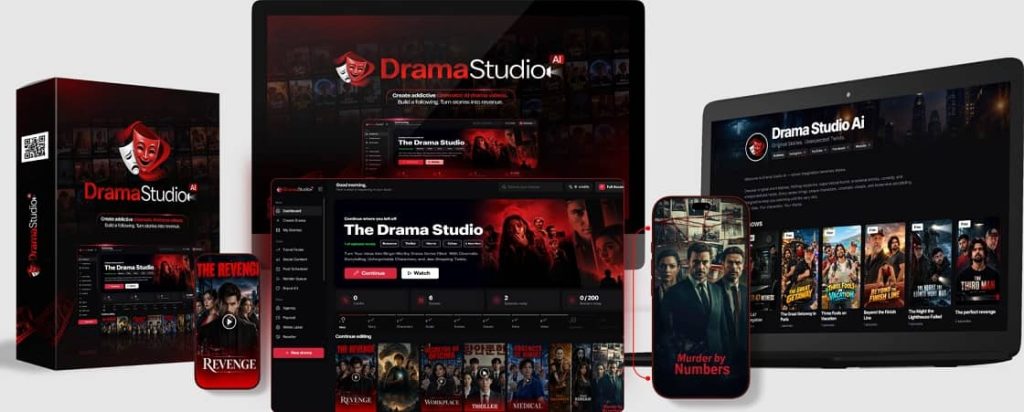
DramaStudioAI is a web-based AI studio that turns a single sentence into a vertical drama series. It writes the story, creates the characters, records the voices, films the scenes with lip sync, adds music and captions, and gives you captions and hashtags for social media.
The part that sets it apart from most AI video tools is the streaming side. You also get your own Netflix-style channel page where viewers can watch episode one for free and pay to unlock the rest. The product is made by Eric Holmlund with the Firelaunchers team, and it runs fully in the cloud, so there is nothing to install.
Who Is Behind DramaStudioAI?

Eric Holmlund and the Firelaunchers team. The sales page lists a helpdesk for support and a 30-day refund policy, both of which matter when you are buying a new product on launch day.
How DramaStudioAI Works (The 5-Step Process)
The studio follows a guided path, and each step only unlocks after you approve the one before it. That means nothing you have approved gets overwritten by accident.
Step 1: Drop in your idea
Type up to 1,000 characters, pick from 105 story templates, or hit “Surprise Me” and let the studio choose a plot. There are 22 genres, including billionaire romance, secret marriage, revenge, mafia romance, mystery and horror.
Step 2: Approve the story
You get a title, logline, season plan, scored hooks and a cliffhanger for each episode. You can edit any word before moving on.
Step 3: Cast your characters
The studio suggests 3 to 5 characters. Each one gets a locked face and a voice matched to age, gender and personality.
Step 4: Hit “Film”
The tool generates images for each shot, records the lines with emotion, and produces lip-synced video. Music, sound effects and captions are added automatically.
Step 5: Post it or sell it
Export the MP4 for free and post it to TikTok, Reels, Shorts or Facebook. Or lock the later episodes behind your own paywall.
DramaStudioAI Features Worth Knowing About
The sales page lists 17 feature blocks. These are the ones that matter most in practice.
Character DNA Lock
The biggest complaint about AI video is that the main character looks different in every shot. Character DNA Lock keeps one approved face across every shot and every episode. You can also save characters to a library and reuse them in later dramas.
BingeHook Engine
This generates 10, 20, 30 or 50 opening hooks across 8 styles, such as curiosity, shock, mystery and cliffhanger. Each hook gets a score from 1 to 100 for scroll-stopping power. Keep in mind the score is the tool’s own estimate, not a guarantee of views.
TrueSync Voice Studio
Each character gets a locked voice, with about 30 studio voices to choose from. Lines are delivered with emotions like whispering, furious, sobbing or sarcastic, and lips move in sync with the character’s own voice. In two-person shots, only the speaker’s lips move.
Your own Netflix-style streaming channel
You can set up a channel with your own name, banner, profile picture, tagline and social links. Viewers get a vertical player with automatic next-episode playback, and they do not need an account. They receive a private watch link by email.
Built-in paywall with your own Stripe or PayPal
You connect your own Stripe or PayPal account and set a one-time price to unlock the series. Access can last forever or for a set number of days. Payments work in 8 currencies and go straight to you. The sales page states the platform takes no cut.
Social content and extras
You also get:
- 9 built-in music tracks, plus AI-generated music or your own uploads
- 6 caption styles and custom caption styling
- 9:16 thumbnails and 4:5 series posters
- Ready-to-paste captions and hashtags for Instagram, TikTok, YouTube Shorts and Facebook
- A Monetization Blueprint with 12 ways to earn and a 4-week first-month plan
DramaStudioAI Pricing and Launch Details
The front-end version costs $37 as a one-time payment during launch. According to the sales page, it moves to a monthly subscription after launch, and this price and feature set will not be offered again. The launch window closes on November 25, 2026 at 11:59 PM EST.
Coupon codes for the launch period:
- Use code DRAMA to take $7 off the front-end offer.
- Use code DRAMA100 to take $100 off the Bundle package.
There is also a 30-day money-back policy. If you are not happy, you open a support ticket within 30 days and ask for a refund.
What about the other versions?
Besides the front-end version, there are higher tiers called Elite Edition, Pro Unlimited, Agency and Reseller, plus a Bundle. The front-end is enough to test the whole workflow. Look at the upgrade pages only if you hit the limits listed below.
DramaStudioAI Pros and Cons
What I like
- One tool covers writing, casting, voices, video, captions and selling. You do not need to stitch five or six subscriptions together.
- Consistent faces and voiced, lip-synced dialogue address the two things that make most AI dramas look cheap.
- The paywall and channel are built in, so you can charge for episodes without building a website.
- No platform cut on sales, with payments going to your own Stripe or PayPal.
- Faceless by design, which helps if you do not want to be on camera.
- A one-time $37 price at launch, with a 30-day refund window.
What to be careful about
- The front-end version has real limits. You can make up to 5 episodes per drama, each around 30 to 60 seconds, with 5 lip-sync shots per day and one job running at a time.
- It only makes English-language dramas.
- Video quality is 480p or 720p, and exports are 720 x 1280.
- The starter paywall includes 1 paid show.
- Income is not guaranteed. The “100 viewers at $4.99” math on the sales page is an illustration, and the sales page itself says results depend on your content and promotion.
- The market figures on the sales page come from the vendor, so treat them as marketing context rather than a forecast for your own channel.
- The price goes up after launch because it switches to a monthly subscription.
Who Should Buy DramaStudioAI?
Faceless content creators
If you want a TikTok or Reels channel without showing your face, this gives you a repeatable format. One story becomes five posts.
Writers with plots sitting in a folder
If you have romance or thriller ideas and could never afford actors and an editor, this lets you see your story performed.
Affiliate marketers and digital marketers
Drama episodes work as traffic hooks. You can post episode one for free and point the bio link to your offer or list.
Agencies and freelancers
Clients ask for drama-style Reels. If you can produce them in-house quickly, that is a service you can sell. The Agency version is built with this audience in mind.
Who should skip it
- Anyone expecting a full-length film or episodes longer than about a minute
- Creators who need dramas in languages other than English
- Anyone who wants guaranteed money without posting consistently
Is DramaStudioAI Legit?
From what I can see, yes. It is a real product sold through JVZoo, a well-known marketplace for digital products. It has a public sales page with demo dramas, a helpdesk, published terms, and a 30-day refund policy. The sales page also says a built-in safety filter blocks adult and deepfake content.
What “legit” does not mean is that you will make money. The tool produces the episodes and the storefront. Getting viewers, and getting them to pay, is still your job. Judging from the sales page’s own disclaimer, the vendor says the same.
DramaStudioAI vs Using Separate AI Tools
You can make a micro-drama by combining a script tool, an image generator, a voice tool, a lip-sync tool, a video editor and a payment platform. The sales page lists a 15-step process for that route. The downside is cost, time, and a lack of consistency between tools, which is where faces change and voices drift.
DramaStudioAI trades some flexibility for convenience. You will not get the fine control you would have with separate professional tools, but you get a working pipeline from idea to paid episode in one login. For most beginners, that trade makes sense.
My Take: Is DramaStudioAI Worth It?
At $37 one-time, the risk is low, especially with a 30-day refund and a $7 coupon. The tool targets a real, growing format, and the built-in paywall is what makes it more than another AI video generator.
My advice is to treat it as a low-cost test. Make one 5-episode series, post the first episode free on TikTok or Reels, and see whether anyone wants the ending. If the response is there, you have a business model. If not, you have used the refund window to find out cheaply.
Get DramaStudioAI here (use coupon DRAMA for $7 off during launch):
Want the bigger package? Check the Bundle (use coupon DRAMA100 for $100 off):
DramaStudioAI Review FAQs
What is DramaStudioAI?
DramaStudioAI is a cloud-based AI tool that creates vertical micro-drama series from a single idea. It handles the story, characters, voices, lip-synced video, captions and social posts, and includes a Netflix-style channel with a paywall.
How much does DramaStudioAI cost?
The front-end version is $37 as a one-time payment during launch. After launch, the sales page says it moves to a monthly subscription. Coupon code DRAMA takes $7 off the front-end offer during the launch period.
Can I really sell episodes with DramaStudioAI?
Yes. The starter paywall gives you a channel page and one paid show. Viewers pay through your own Stripe or PayPal account, and the sales page says the platform takes no cut.
How long are the episodes?
Each episode runs about 30 to 60 seconds, and you can make up to 5 episodes per drama. Videos are vertical 9:16 for TikTok, Reels and Shorts
Do I need video editing or writing skills?
No. You can type one sentence, choose a template, or use “Surprise Me.” Every step is editable if you want more control.
Does DramaStudioAI make dramas in languages other than English?
No. According to the sales page, it makes English dramas only.
Is there a refund policy?
Yes. You can open a support ticket within 30 days of purchase for a full refund.
Will I make money with DramaStudioAI?
There is no guarantee. The tool gives you the production and selling setup, but income depends on your stories, your posting consistency and your ability to bring viewers in.
Get Access DramaStudioAi Early Bird Today
Use Coupon Code: DRAMA

Get Access DramaStudioAI Bundle Deal Today
Use Coupon Code: DRAMA100
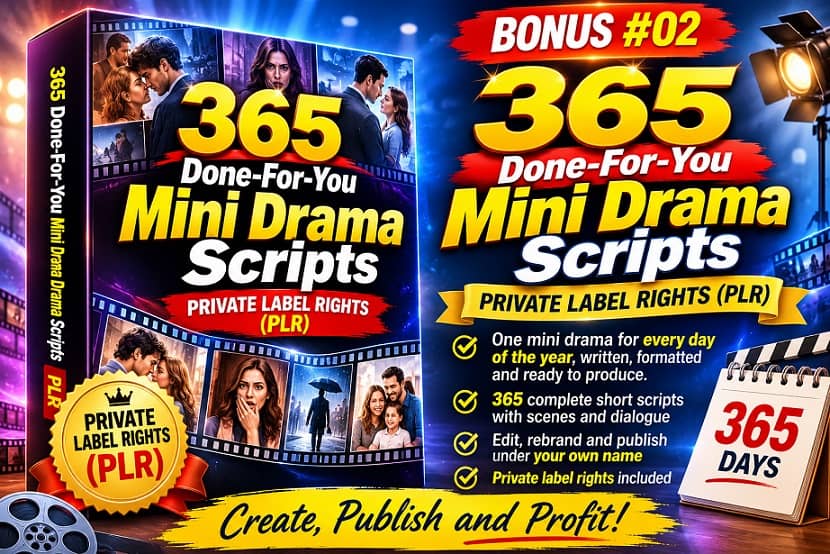
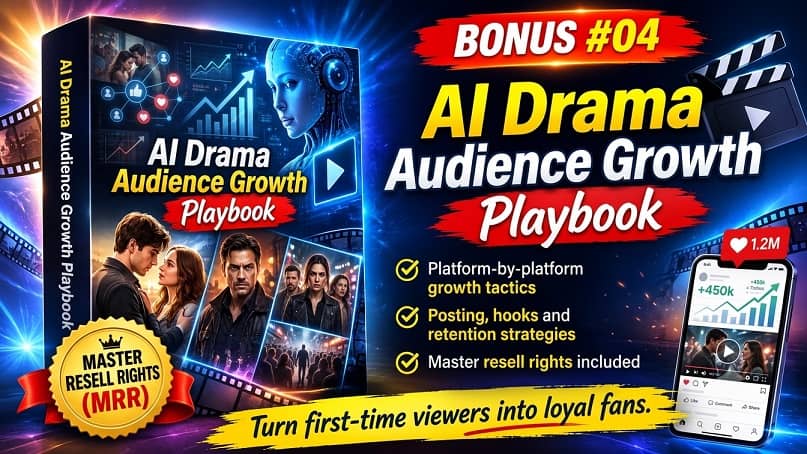
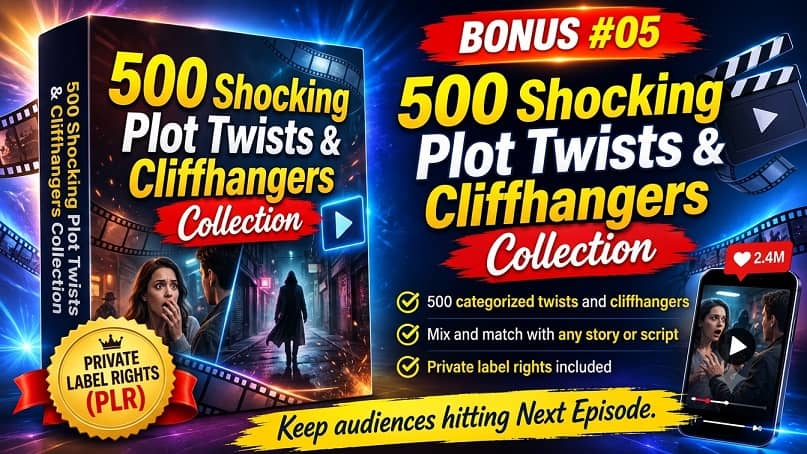
THESE ARE DRAMASTUDIOAI BONUSES WHEN YOU BUY IT VIA MY LINK TODAY


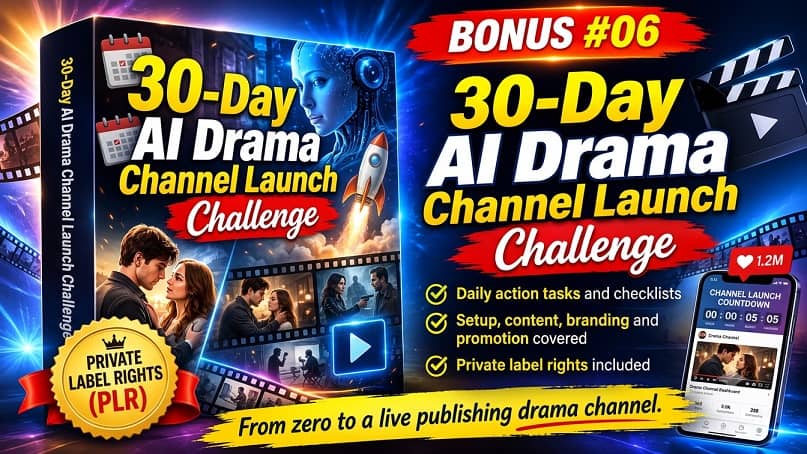
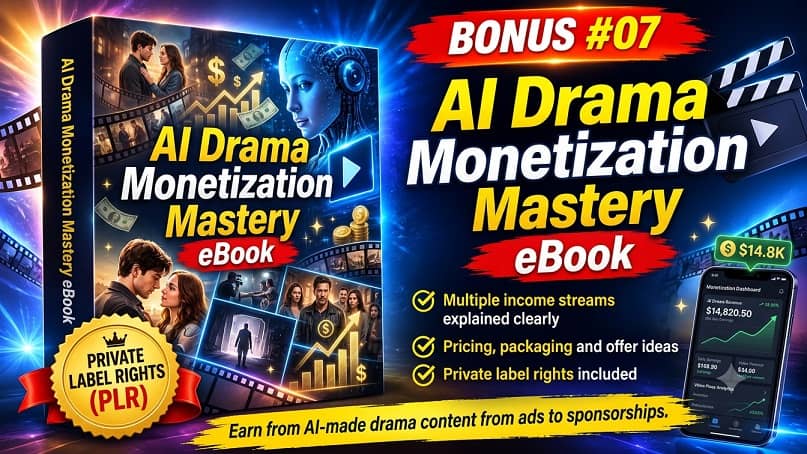
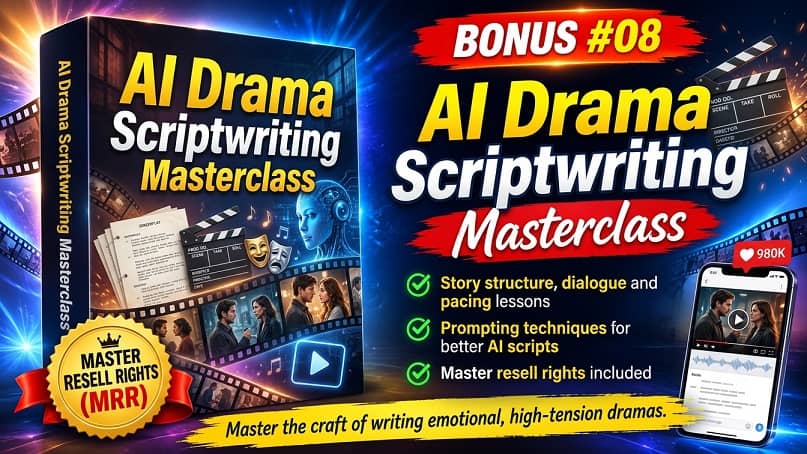

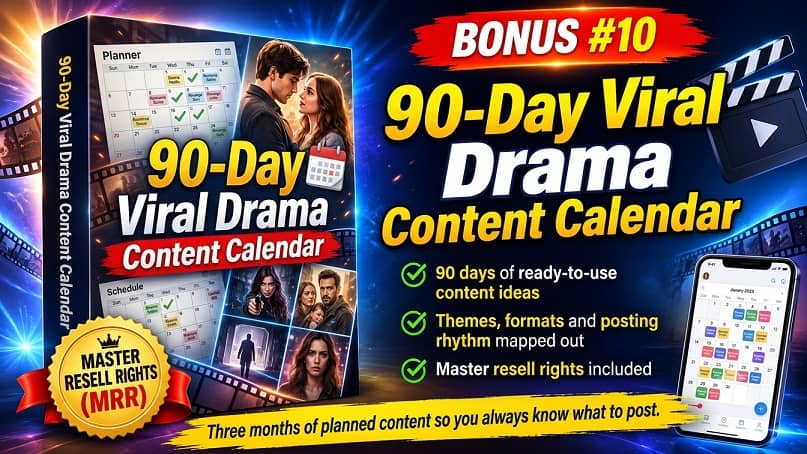









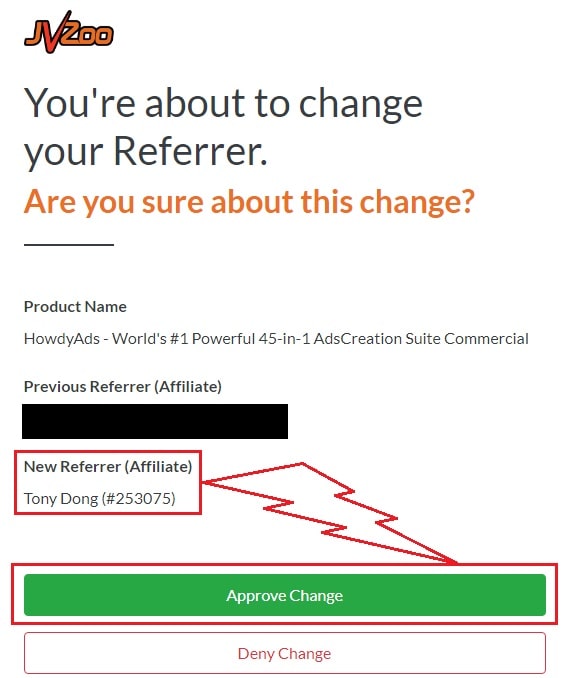
♨️ Important Update For Getting My Bonuses ♨️
You need to choose Tony Dong (253075) as your Referrer.
- If you see Tony Dong as your “New Referrer”, click the Green “Approve Change” button.
- If you see Tony Dong as your “Previous Referrer“, click the Grey “Deny Change” button.
It’s very important to confirm that my affiliate ID is 253075.
Almost bonuses, I will add them to the purchase portal when you finish your transaction through my ID. If you don’t see it, please follow the instructions below
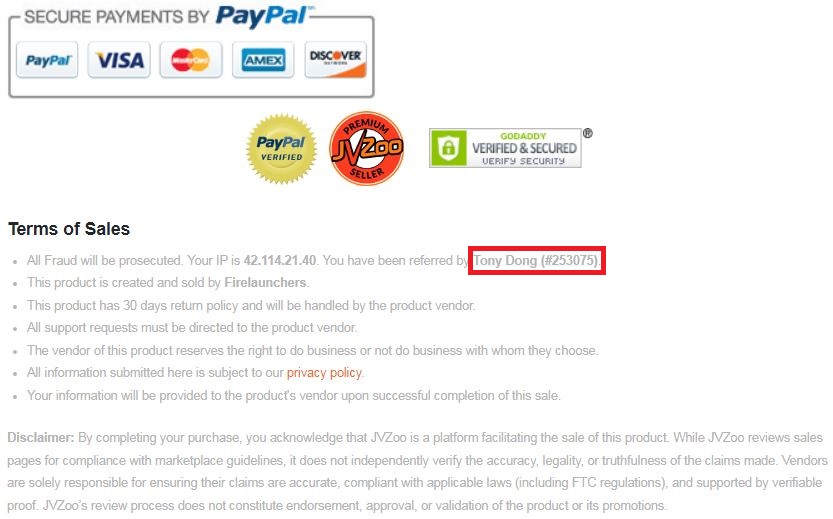
Confirm On The Checkout Page With My ID
☞ STEPS TO GET YOUR BONUSES☜
Please follow all the Important Steps Below to Claim All These Bonuses
(EXTRA BONUS + BONUS PACKAGE 1&2&3&4 + SPECIAL BONUS)
- Step#1: Press (Ctrl+Shift+Delete) or Clean/Delete the Cookies and cache of your web browser. (Please Clear It Before clicking on the Buy Button on the Sale page)
- Step#2: Get DramaStudioAI via any link in this article DramaStudioAi Review or Click here
- Step#3: Confirm my ID is Tony Dong: 253075 on the checkout page, and after completing the transaction, Send Me Your ID Transaction for Verification Through My Support Email at support@reviewproductbonus.com and marketingwithtony@gmail.com
- Step#4: Use the subject line “CLAIM BONUS DRAMASTUDIOAI” in your email and wait
You will receive these Bonuses within the NEXT 20 hours.
Thank you for reading my DramaStudioAI Review
Wish You Success and See You Again