ProfitMaps AI is a Google Maps scanning tool from Chad Nicely. It checks where a local business shows up on the map, turns the result into a branded report, and gives you a simple way to start a conversation with the business owner. In this ProfitMaps AI review, I’ll go through what it does, what each plan includes, what it costs, and who should skip it.
A quick note before we start. I’m an affiliate, so if you buy through my link I may earn a commission at no extra cost to you. That doesn’t change what I say below, and the downsides are covered in full.

Get Access ProfitMaps AI Bundle Deal Today

What Is ProfitMaps AI?
ProfitMaps AI is a cloud-based app for freelancers, marketers, consultants and small agencies who want to sell local SEO services. You pick a local business, run a scan, and the tool shows how visible that business is across its own town. Then it writes a plain-English action plan and builds a PDF report or share link with your company name and logo on it.
The idea is simple. You don’t open with a sales pitch. You send the owner a picture of their own map and let them ask what comes next.
The problem it’s built around
When someone types “plumber near me,” Google shows only a short list of businesses, and most people call one of the first few. What many owners miss is that rankings change from street to street. A plumber can sit at #1 beside his own shop and be invisible two miles away.
Owners usually check Google from their own location, see themselves near the top, and assume things are fine. The calls they lose from other parts of town never show up anywhere. ProfitMaps AI makes that hidden problem visible.
How ProfitMaps AI Works
The workflow has four steps.
1. Pick a business and a keyword
Any business you can find on Google Maps works. You enter the search term, such as “hair colour salon” or “plumber near me.” Before you run the scan, the app shows the grid size, the radius and the credit cost, so there are no surprises.
2. Run the grid scan
The default is a 5×5 grid, which checks 25 spots around the business. Each dot on the map shows the real ranking position at that spot. Scans take a few minutes, and a progress page counts the points done and the time left. A bell icon tells you when a scan has finished.
3. Read the results and send the report
Spots are coloured by how findable the business is: top 3, hard to find (ranks 4 to 10), buried (11 to 20), or not found. You also get a competitor view showing which businesses beat them across the map and how often. The report exports as a PDF or CSV, or you can send a read-only web link that expires after 7, 30 or 90 days, or never.
4. Offer the fix
The AI writes a short numbered action plan based on that scan’s own numbers. Things like listing every service on the Google profile, adding a page for each town served, posting weekly and asking for reviews. You decide whether to sell the fix as a one-off project, a monthly service, or just a monthly report.
ProfitMaps AI Features
Here’s what comes inside the app, based on the product demo and the plan details.
Map scans and competitor analysis
The core feature. You can scan from 5×5 up to 9×9 on Basic, and bigger grids on higher plans (more on that in the limits section).
AI action plan
A to-do list written from each scan. It’s meant for people who don’t know SEO and need to explain the next steps clearly.
Branded reports and share links
Your company name and logo go on the PDF and on the shared link. You can include or leave out the action plan.
Website generator and lead capture
An AI site planner and builder creates websites for local businesses, with an editor. Every site can collect enquiries, and they land in a leads inbox inside the app. Basic includes 10 websites.
Google post and article writers
The tool drafts Google Business Profile posts and local page articles. It flags the claims the owner needs to confirm before publishing, which I like. The product itself says to treat the writing as a strong starting point and not as ready-to-publish copy.
Keyword finder, ranking history and recurring scans
Type a website and a town to see what it already ranks for. You can compare scans over time and schedule a scan to repeat weekly or monthly, which suits monthly reporting clients. Each recurring run uses credits, and it skips a run if your balance is too low.
AI assistant connection (MCP)
You can connect your own AI assistant to your account. It’s a bonus for people who already work with AI tools, and it’s not essential to getting value from the product.
ProfitMaps AI Pricing and Plans
According to the sales page, every plan is a one-time payment, and checkout runs through JVZoo with a 30-day money-back guarantee. The page also says that after 27 October, every plan becomes a monthly bill, so the one-time price is a launch offer. Check the current price on the official page before you buy.
Basic: $37
Basic is the entry plan and the one most beginners should look at first.
- 10 businesses, 2 keywords each
- Map scans and competitor analysis
- 5×5 scans, up to 9×9
- 10 websites from the generator
- Lead capture on every site
- Google post and article writers
- AI site planner with MCP connection
- Reports with your name and logo
- Starting scan credits
- Both bonuses: the 3-day hands-on training and the Google Business Profile course
Gold: $297
Gold is for people who want to run this as a proper service.
- 50 businesses, 5 keywords each, 50 websites
- White-label reports and email follow-up for new leads
- Scan grids up to 20×20 with your own data key
- Business Finder with a monthly search allowance
- Agency tools: client workspaces, client logins and team members
- Pitch Pack with proposal templates and scripts
- Larger pool of scan credits
- The 3-day live workshop included
Platinum: $697
Platinum removes the caps.
- Unlimited businesses, keywords and websites
- Business Finder with unlimited searches (fair use)
- Agency tools with no caps on client workspaces or team members
- All grid sizes
- The largest pool of scan credits
- Everything in Gold
Which plan should you pick?
If you’re new and want to test the idea, Basic is enough to scan businesses, send reports and land a first client. If you already have a few local clients and want white-label reports and client logins, Gold makes sense. Platinum is really for agencies handling high volume. For most readers of this ProfitMaps AI review, Basic is the sensible starting point, and you can upgrade later.
What Does ProfitMaps AI Cost in Practice? Credits Explained
This is the part many people skip, so read it carefully. Scans run on credits. One credit covers one map point, so a 5×5 scan uses 25 credits and a 7×7 scan uses 49. Each plan comes with a starting pool. When it runs out, you buy more credits or connect your own data key, which is your own account with the map-data provider.
That applies on every plan, Platinum included. “Unlimited” on Platinum means no cap on businesses, keywords and websites. It doesn’t mean unlimited scans. Grids larger than 9×9 also need your own data key. Factor that into your budget if you plan to scan a lot.
The Outreach Scripts and Training
Copy-and-send messages
The product includes four short message templates: a first message, a follow-up a few days later, a reply for when the owner asks “how much?”, and a reply for “I look fine on Google.” The last one is useful. The answer is that when owners search for their own business from their shop, Google knows who they are and shows the flattering version, while the scan checks from spots around town like a stranger would.
3-day hands-on training
The 3-day training walks you through setting up and running your first scan, sending the report and handling the first conversation, then offering the fix. Per the sales page, the live workshop runs Monday 2 to Wednesday 4 November. Basic includes a first live session with replay, the full 3-day workshop is offered after checkout for $197, and Gold and Platinum include it.
Google Business Profile course
The second bonus is a short course on setting up and optimising a Google Business Profile, choosing categories, using photos, posts and reviews, and building local pages. It helps you answer “what would you actually do?” when an owner asks.
How You Can Make Money With ProfitMaps AI
ProfitMaps AI doesn’t pay you. It gives you a tool and a way to open conversations, and you set the price. The sales page lists three ways to charge:
- One-time fix: set up the pages, posts and profile updates the report recommends.
- Monthly fix: ongoing posts, new local pages and a monthly scan to show progress.
- Monthly report only: some owners just want to track their visibility, so you send an updated report with your branding each month.
The page’s own example is 3 clients at $250 a month, or $750 monthly. It’s an illustration, not a promise, and the product states it doesn’t guarantee income or rankings. That honesty is a good sign, and you should treat any income figure in this niche with the same caution.
ProfitMaps AI Pros and Cons
Pros
- Easy to understand. A map with coloured dots makes sense to a business owner in seconds.
- Low entry price. $37 is a small risk for a tool that can produce client-ready reports.
- No SEO background needed to start, since the action plan is written in plain English.
- Reports carry your name and logo from the first plan.
- Training and scripts are included, so beginners aren’t left guessing.
- Clear refund policy: 30 days, by email, no forms.
- Honest about limits. It tells you not to promise #1 rankings.
Cons
- You still have to contact businesses and sell. The tool doesn’t close clients for you.
- Scan credits are limited, so heavy use means buying more or connecting your own data key.
- On Basic you choose your own prospects. Business Finder only comes with Gold and Platinum.
- Some features, like hiding the “Prepared with ProfitMaps AI” line, need a higher tier or an upgrade.
- AI-written posts and articles need a human check before publishing.
- The one-time price is tied to a launch window, so it may change.
Who Should Buy ProfitMaps AI?
It’s a good fit if you are
- A freelancer, marketer, consultant or agency owner who wants an easy way to start local conversations
- Comfortable sending a message and following up
- Looking for one tool that covers both the report and the fix
- Happy to learn local SEO as you go, with training included
Skip it if you
- Expect guaranteed rankings or guaranteed income
- Won’t contact a single business
- Want a tool that finds and closes clients without any effort from you
ProfitMaps AI Review: My Take
The idea behind ProfitMaps AI is sound. Local business owners get pitched all the time, and words are easy to ignore. A map of their own town showing where customers can’t find them is personal and clear, and it changes the first message from “buy my service” to “I made you something.” That’s a better way to start a sales conversation.
The tool does its job without pretending to do more. It scans, reports and writes the plan. You do the selling, set the price and check the AI’s writing before it goes anywhere. If you can handle that part, the $37 Basic plan is a low-risk way to try it, especially with a 30-day refund window. My practical advice: scan three businesses you already know, read the plans, and send one report to a real owner in your first week. You’ll know quickly whether the approach suits you.
Where to get ProfitMaps AI
You can check the current price and plan details on the official page: [YOUR AFFILIATE LINK]
ProfitMaps AI Review FAQ
Is ProfitMaps AI a monthly subscription?
According to the sales page, no. You pay once for the plan you choose. The page also says that after 27 October, every plan becomes a monthly bill, so check the current terms at checkout.
Do I need a website or SEO skills to use ProfitMaps AI?
No. You pick a business, run a scan and send the link. The tool writes the report and the next steps.
What are scan credits?
One credit covers one map point. A 5×5 scan uses 25 credits and a 7×7 scan uses 49. Each plan includes starting credits, and you can buy more or connect your own data key.
What is a data key?
It’s your own account with the map-data provider. You need one to run grids larger than 9×9.
Does ProfitMaps AI find prospects for me?
On Basic, no. You choose the business. Business Finder, which lists businesses in a niche and town, comes with Gold and Platinum.
Which businesses work best?
Anyone who depends on local customers, such as plumbers, dentists, roofers, salons, restaurants, gyms and repair shops.
Can I promise a client a #1 ranking?
No. Rankings depend on many factors. You’re selling the work of improving their map, not a guaranteed position.
Is the data real?
Yes. The tool checks real Google Maps results at each point on the grid and shows the position at every spot.
Is there a refund policy?
Yes. There’s a 30-day money-back guarantee. You email support within 30 days of buying and get a full refund with no forms.
Can I use it on my own business?
Yes. Scan your own business any time to see where you’re found and where you’re not.
Get Access ProfitMaps AI Early Bird Today

Get Access ProfitMaps AI Bundle Deal Today
THESE ARE LOCAL MEDIA EMPIRE BONUSES
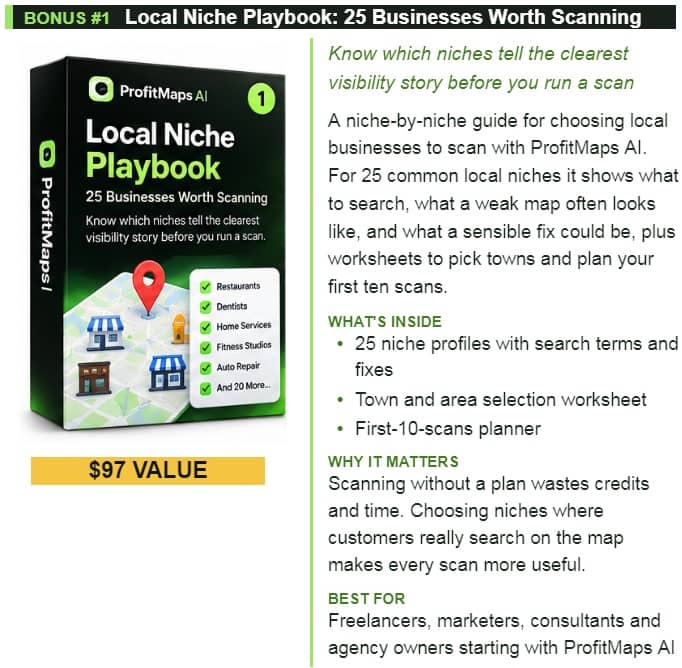
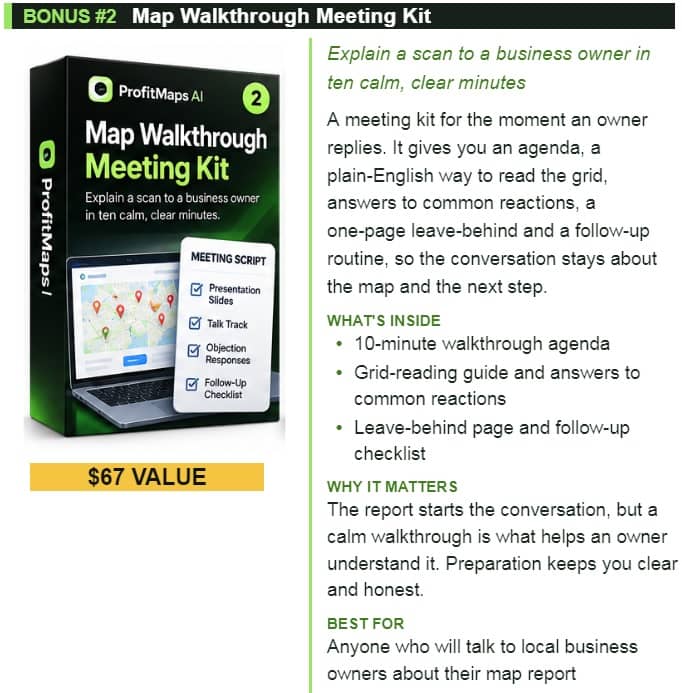
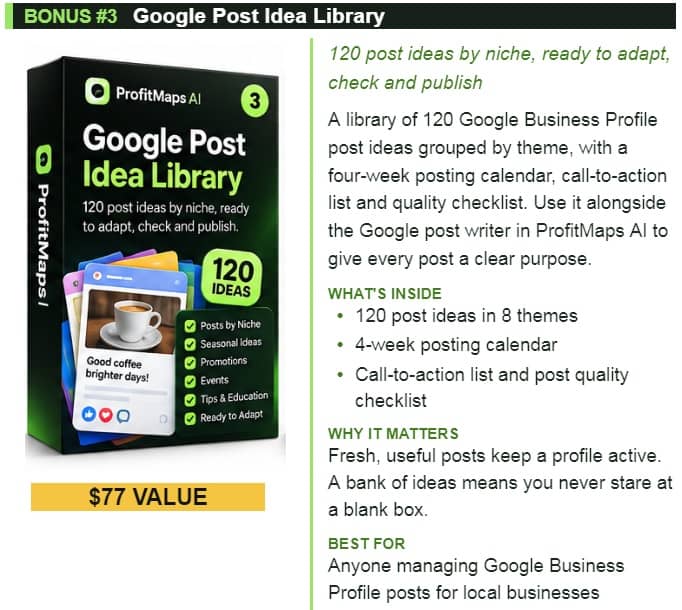
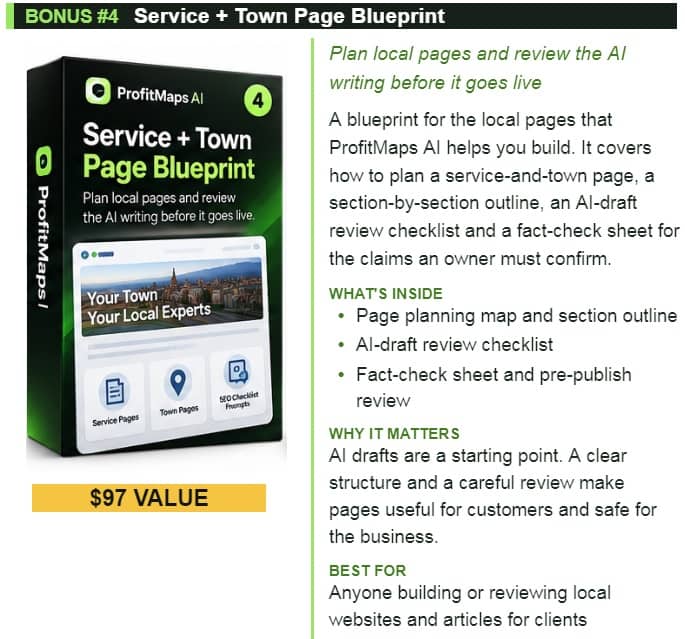
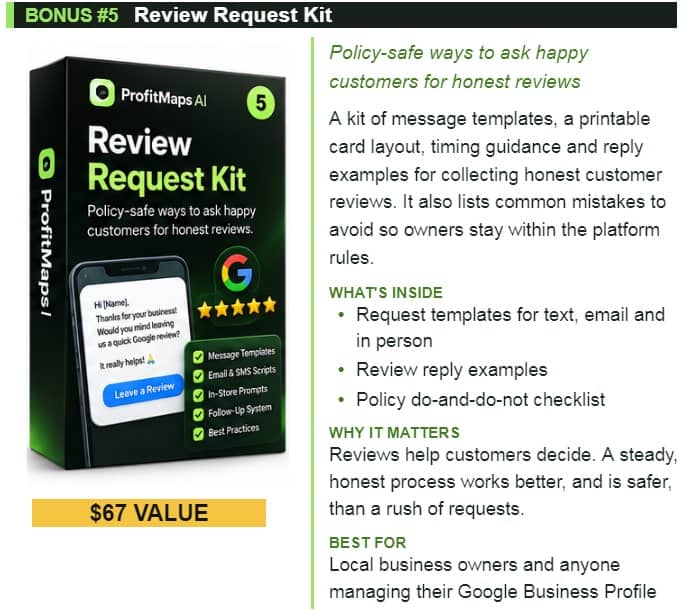














♨️ Important Update For Getting My Bonuses ♨️
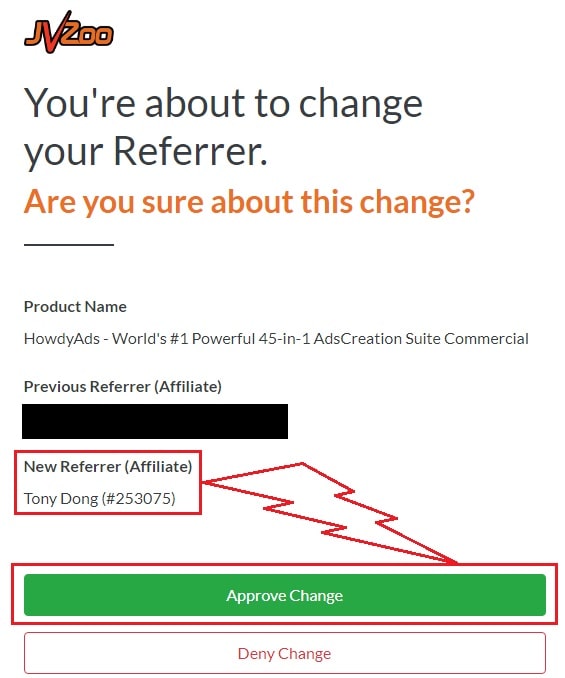
You need to choose Tony Dong (253075) as your Referrer.
- If you see Tony Dong as your “New Referrer”, click the Green “Approve Change” button.
- If you see Tony Dong as your “Previous Referrer“, click the Grey “Deny Change” button.
It’s very important to confirm that my affiliate ID is 253075.
Almost bonuses, I will add them to the purchase portal when you finish your transaction through my ID. If you don’t see it, please follow the instructions below
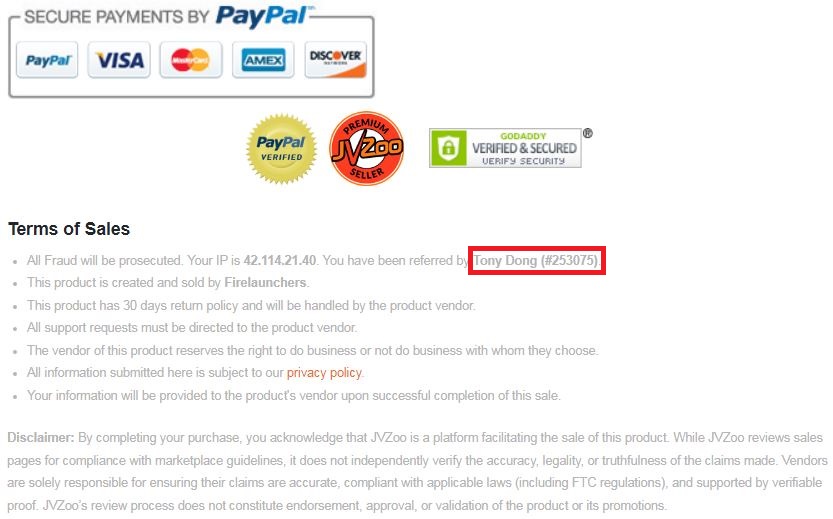
Confirm On The Checkout Page With My ID
☞ STEPS TO GET YOUR BONUSES☜
Please follow all the Important Steps Below to Claim All These Bonuses
(EXTRA BONUS + BONUS PACKAGE 1&2&3&4 + SPECIAL BONUS)
- Step#1: Press (Ctrl+Shift+Delete) or Clean/Delete the Cookies and cache of your web browser. (Please Clear It Before clicking on the Buy Button on the Sale page)
- Step#2: Get ProfitMaps AI via any link in this article ProfitMaps AI Review or Click here
- Step#3: Confirm my ID is Tony Dong: 253075 on the checkout page, and after completing the transaction, Send Me Your ID Transaction for Verification Through My Support Email at support@reviewproductbonus.com and marketingwithtony@gmail.com
- Step#4: Use the subject line “CLAIM BONUS PROFITMAPS AI” in your email and wait
You will receive these Bonuses within the NEXT 20 hours.
Thank you for reading my ProfitMaps AI Review
Wishing You Success and See You Again
Disclosure: This page contains an affiliate link. If you purchase through it, I may earn a commission at no additional cost to you. All figures and cost estimates in this review are illustrative and not a guarantee of income — always do your own due diligence before investing working capital in any program